

11. Reports and exports
The full operational, safety, workflow, reporting, locale, and issue reference.
11.1 Run a full audit before export
Report exports represent the latest authoritative audit cache. Live Mode can provide current editing feedback without rebuilding the complete export model. Run the appropriate full audit immediately before export.
11.2 Typography Report
The Typography Report is exported as CSV to:
Typography Reports/Avellio_Typography_Report_<timestamp>.csv
The 23 columns are:
- Issue Type
- Severity
- Message
- Page
- Paragraph Style
- Character Style
- Locale
- Snippet
- Start
- Length
- Category
- Role
- Confidence
- Confidence Score
- Source Rule
- Fix Hint
- Typographic Profile
- Resolved Locale
- Locale Hint
- Locale Fix Example
- Locale Source Rule
- Locale Specificity
- Locale Hint Confidence
The additional explainability fields make it possible to audit why a locale-related result was raised and how specific the rule is.
11.3 Override Report
The Override Report is exported as CSV to:
Override Reports/Avellio_Override_Report_<timestamp>.csv
Use it to review detailed local-formatting differences outside the visual palette, sort by property or risk, and archive a QA result with the project.
11.4 Fix Report
The Fix Report is a plain-text report, not CSV. It is written to:
Fix Reports/Avellio_Fix_Report_<timestamp>.txt
It records the current Fix Plan and action-layer summary, including relevant applied, skipped, blocked, guarded, or stale outcomes available to the session.
11.5 Report locations
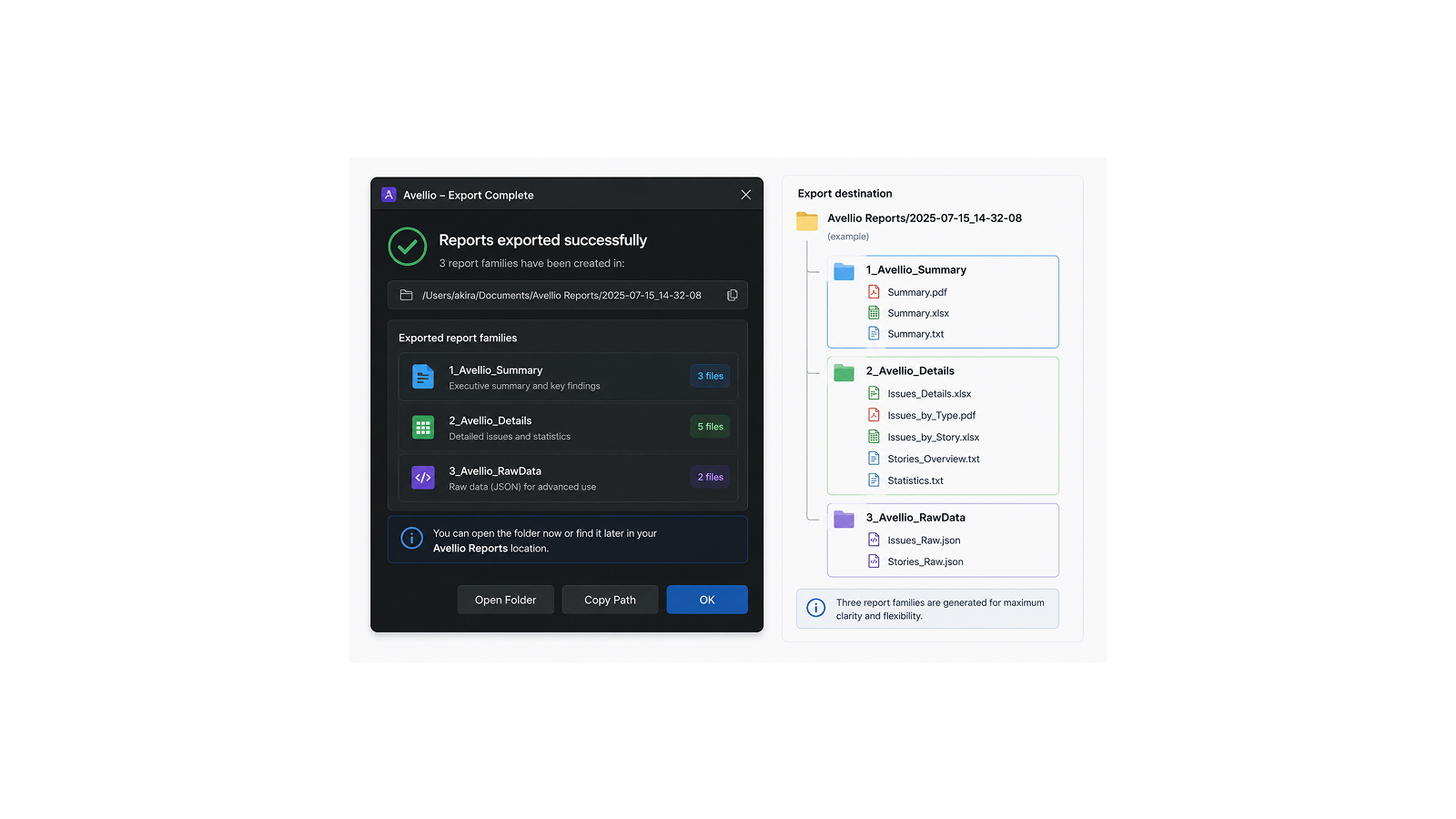
Avellio first attempts to create the named report folder beside the running JSX or JSXBIN. If that script location is unavailable or not writable, it uses the matching folder under Documents/Avellio Reports. The final save message identifies the generated file.
| Export | Primary location | Documents fallback |
|---|---|---|
| Typography CSV | [script folder]/Typography Reports |
Documents/Avellio Reports/Typography Reports |
| Override CSV | [script folder]/Override Reports |
Documents/Avellio Reports/Override Reports |
| Fix Report TXT | [script folder]/Fix Reports |
Documents/Avellio Reports/Fix Reports |
If a report is not where expected, read the final save confirmation and search Documents/Avellio Reports for the exact timestamped Avellio_..._Report_ filename. If neither location is writable, Avellio reports an export error rather than silently saving elsewhere.
11.6 Working with CSV exports
CSV consumers can interpret punctuation, quotation marks, encodings, or leading numeric values differently. Import the file explicitly as UTF-8 where the target application offers an encoding choice. Preserve Issue Type, page, style, locale, and source-rule columns when filtering or sharing results.
Release sourceThis page was generated from the Markdown companion of the verified distribution PDF.