

Practical workflow
Book and Long-document Preflight
Build a repeatable evidence loop for books, reports, catalogues, and other long InDesign documents.
The problem
Long documents magnify small inconsistencies. Editorial changes arrive in rounds, contributors bring different habits, and a manual end-of-project pass can no longer tell the team which findings were reviewed, corrected, or intentionally retained.
Without Avellio
- Perform broad visual passes on each proof round and rely on checklists, comments, and individual memory.
- Try to normalize every oddity near the deadline, risking late regressions and unwanted changes to approved copy.
- Deliver a package without a repeatable record of what was inspected after the last edits.
With Avellio
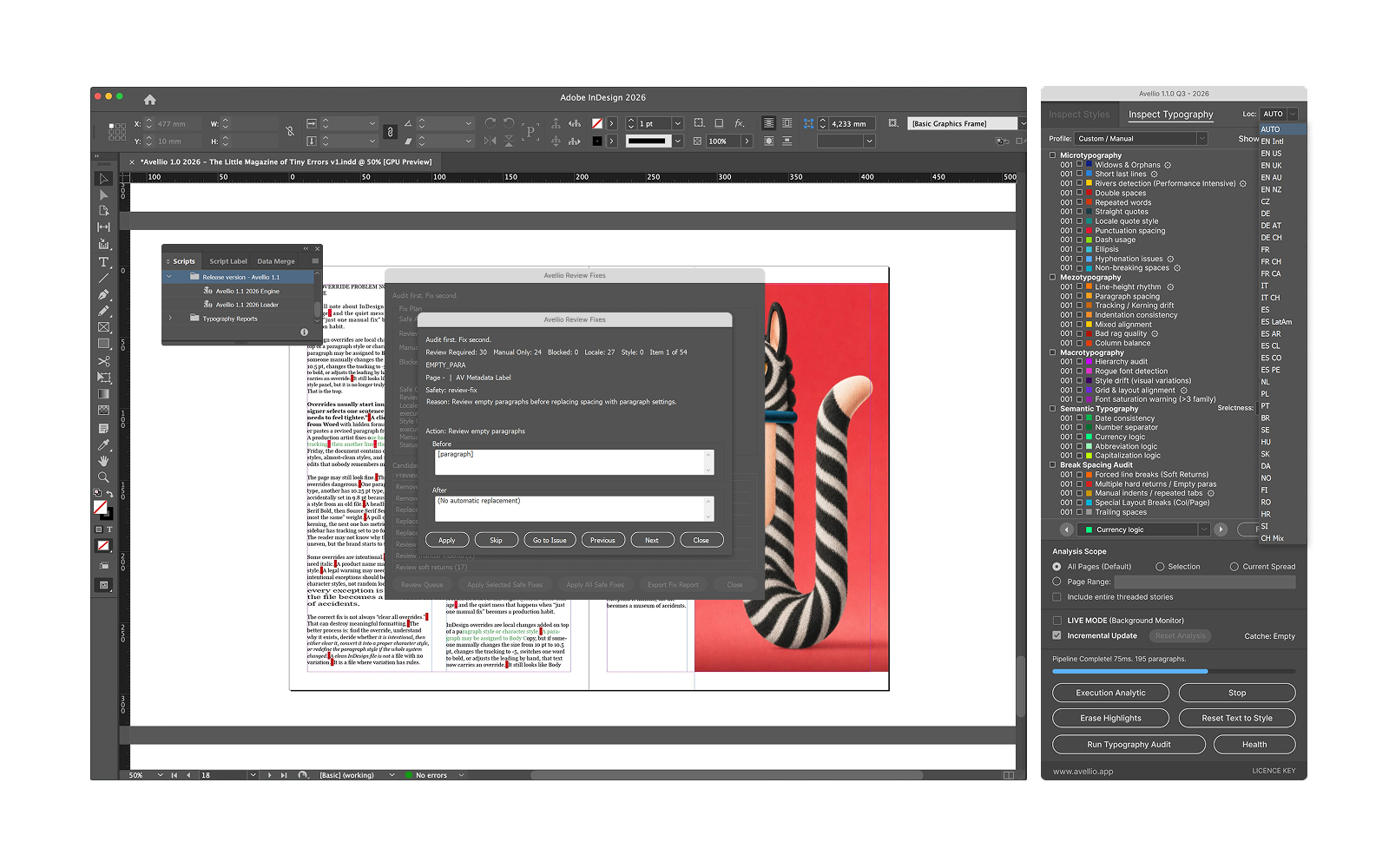
- Use a safe working copy and audit in logical scopes—story, chapter, section, then document—rather than treating the entire book as a single opaque task.
- Use Inspect Styles for system integrity and Inspect Typography for text and composition evidence, then work through the results with a review queue or report.
- After a correction round, rerun the authoritative audit and retain the current report as a handoff artifact.
A reviewable workflow
- Establish canonical styles and locale conventions before the final copyfitting phase.
- Audit a representative section first; tune profiles and limits before scaling the review.
- Process the document in accountable scopes, preserving intentional exceptions with editorial context.
- Run the final audit after the last content and layout changes, then complete output Preflight separately.
Limits and human review
A long-document workflow still needs version control, editorial ownership, image/link management, output Preflight, and a final visual proof. Avellio makes typography and style evidence more repeatable; it does not replace the production system around the book.
Next step
Turn the review into a repeatable habit.
Explore the reference workflow, then bring Avellio into the production process your team already uses.